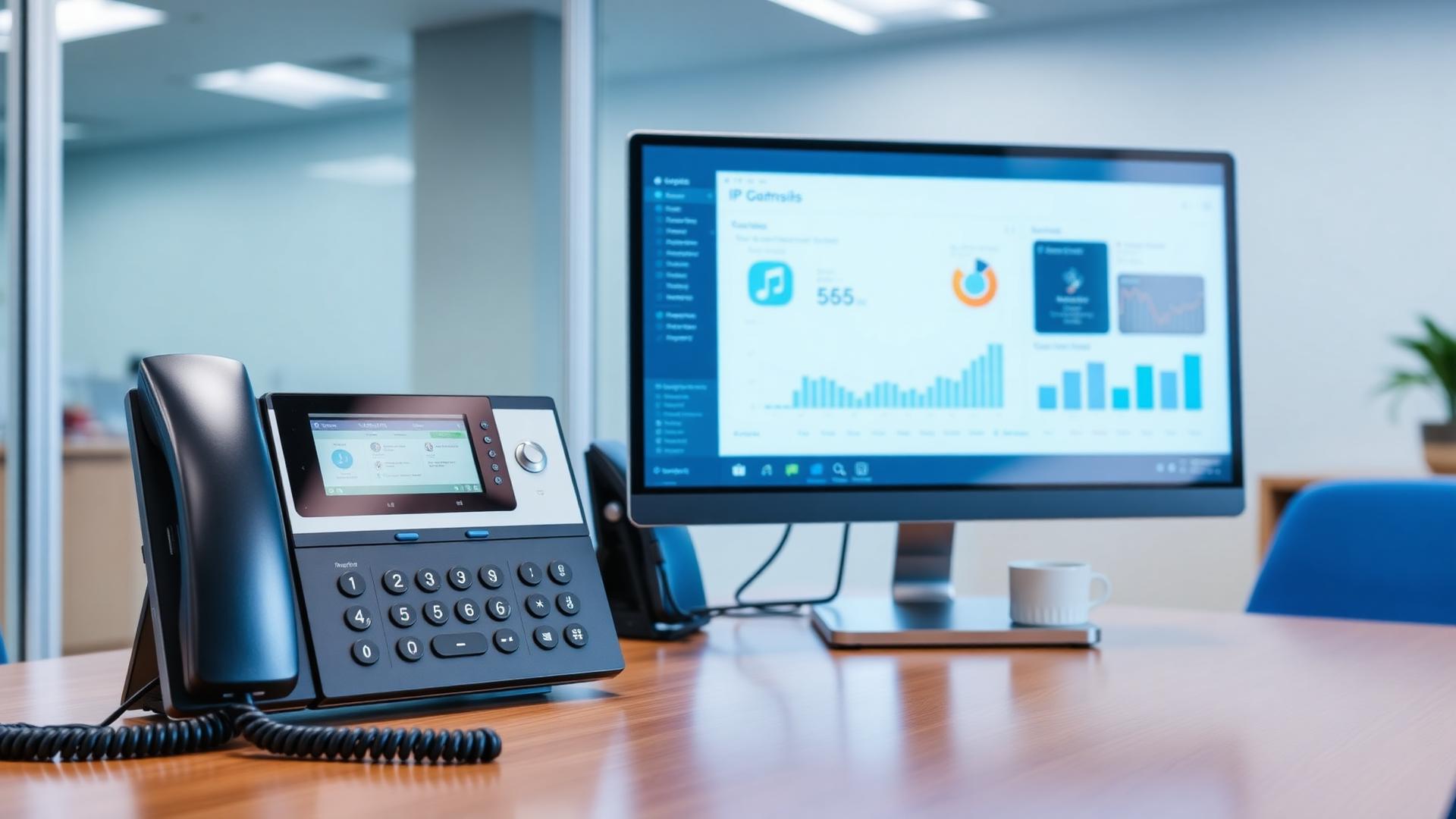
Setting up a VoIP phone system typically requires four main components: a VoIP provider, VoIP-compatible phones or softphones, a reliable internet connection, and properly configured network infrastructure. Once these elements are in place, businesses can deploy modern phone systems that support remote workers, call routing, and advanced communication features.
Reviewed by: SureTel Network Engineering Team
Experience: Deploying VoIP infrastructure and business phone systems for organisations across South Africa
Last Updated: March 2026
Why Proper VoIP Setup Matters
A well-planned VoIP phone system setup ensures reliable business communication from day one. Poor installation leads to call quality problems, frustrated employees, and lost productivity.
Businesses that follow a structured deployment process avoid common pitfalls and achieve stable, scalable communication systems.
Learn more about our VoIP solutions.
Step 1: Plan Your VoIP System
Before installing VoIP, businesses should assess their communication requirements.
Key questions include:
- How many users need phone extensions?
- Will employees work remotely?
- Are call queues or IVR menus required?
- Will the system support a call centre?
- What is the budget for hardware and monthly services?
Understanding these requirements helps determine the appropriate system architecture and ensures the right provider and equipment are selected.
Step 2: Choose a VoIP Provider
The VoIP provider is responsible for routing calls and managing the communication platform.
Businesses should evaluate providers based on:
| Factor | Importance |
|---|---|
| Reliability | Ensures stable, uninterrupted communication |
| Call rates | Impacts monthly operating costs |
| Features | Determines system capabilities (IVR, queues, recording) |
| Support | Helps resolve issues quickly with local expertise |
| Scalability | Allows growth without replacing infrastructure |
Explore SureTel VoIP services designed for South African businesses.
Step 3: Prepare the Network Infrastructure
VoIP performance depends heavily on network stability. This is arguably the most critical step in the setup process.
Businesses should ensure their network supports:
- Low latency — below 150 ms for excellent call quality
- Minimal packet loss — below 1% for clear audio
- Quality of Service (QoS) — to prioritise voice traffic
- Adequate bandwidth — approximately 32 kbps per call using G.729 codec
Using business-grade internet connectivity is essential. Residential internet connections are not designed for real-time voice traffic.
Learn more about connectivity solutions and read our guide on the best internet connections for VoIP.
Step 4: Install VoIP Phones or Softphones
VoIP systems support multiple endpoint devices depending on the business environment.
| Device Type | Best Use Case | Example |
|---|---|---|
| IP desk phones | Office environments | Yealink T-series |
| Softphones | Remote employees | Desktop VoIP applications |
| Mobile apps | Mobile teams | Smartphone VoIP clients |
| Conference phones | Meeting rooms | Yealink CP-series |
For a detailed breakdown, read our guide on VoIP equipment and hardware for businesses.
Step 5: Configure the VoIP System
Once devices are connected, the system must be configured to match the business communication workflow.
Typical configuration tasks include:
- Creating user extensions
- Configuring call routing rules
- Setting up voicemail boxes
- Configuring IVR (auto-attendant) menus
- Assigning user permissions and call groups
- Setting up call recording (if required)
- Configuring number porting from existing phone lines
Modern cloud PBX platforms simplify these processes through web-based management interfaces, allowing administrators to make changes without technical expertise.
Step 6: Test the System
Before full deployment, businesses should perform comprehensive call testing to identify and resolve issues early.
Testing should include:
- Inbound calls from external numbers
- Outbound calls to landlines and mobile numbers
- Extension-to-extension dialling
- Voicemail recording and retrieval
- Call transfers (attended and blind)
- IVR menu navigation
- Call quality assessment (check for latency, jitter, echo)
For troubleshooting call quality issues, read our guide on VoIP call quality explained.
VoIP Setup Checklist
| Step | Task | Status |
|---|---|---|
| 1 | Assess communication requirements | ☐ |
| 2 | Select a VoIP provider | ☐ |
| 3 | Upgrade network infrastructure | ☐ |
| 4 | Install business-grade internet | ☐ |
| 5 | Configure QoS on network equipment | ☐ |
| 6 | Install VoIP phones or softphones | ☐ |
| 7 | Configure extensions and call routing | ☐ |
| 8 | Set up voicemail and IVR | ☐ |
| 9 | Port existing phone numbers | ☐ |
| 10 | Perform call testing | ☐ |
Common VoIP Setup Mistakes
Businesses sometimes encounter problems due to improper installation. Avoiding these common mistakes ensures a smoother deployment.
Poor network design
Voice traffic must be prioritised using QoS to prevent congestion from affecting call quality.
Using unreliable internet connections
VoIP systems require stable, low-latency connectivity. Residential internet is not suitable for business communication.
Incorrect firewall configuration
Improper firewall rules can block SIP and RTP traffic, preventing calls from connecting. Read more about SIP trunking to understand these protocols.
No redundancy planning
Organisations relying heavily on phone systems should implement backup connectivity to maintain communication during outages.
Skipping testing
Deploying without thorough testing often results in undetected issues that impact daily operations.
SureTel VoIP Deployment Services
SureTel provides complete VoIP deployment services for South African businesses.
Our solutions include:
- VoIP system design and consultation
- Phone system installation and configuration
- Number porting from existing providers
- Cloud PBX platforms
- Call centre integrations
- Ongoing support and maintenance
Learn more: