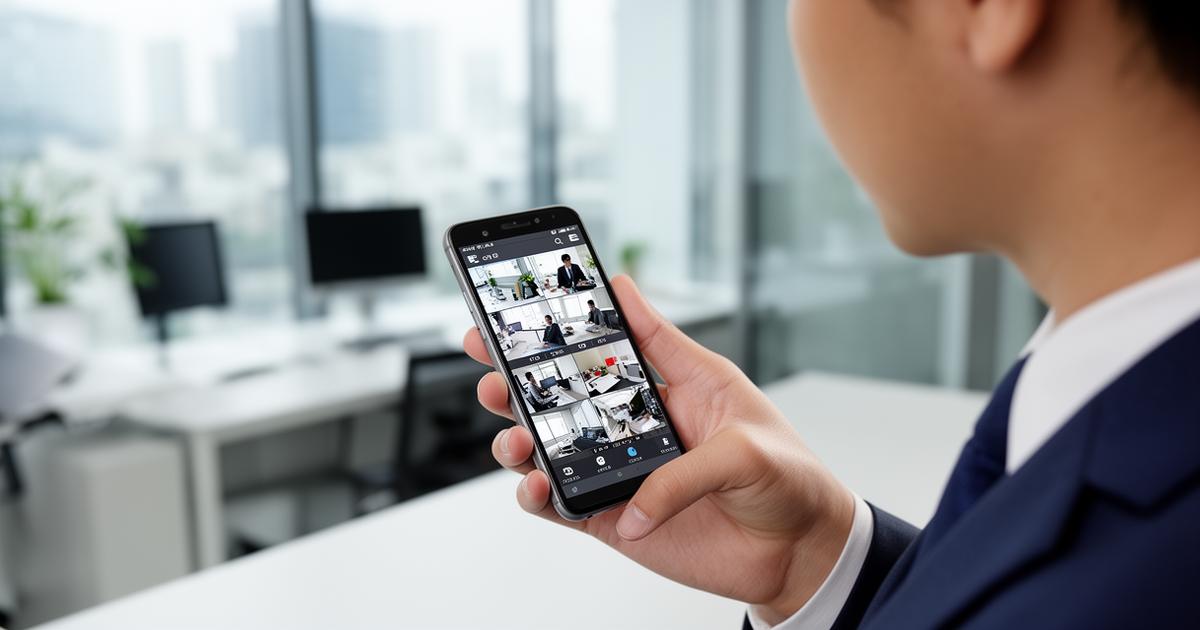
CCTV Monitoring: Remote Camera Viewing from Your Phone
Modern CCTV systems allow businesses to monitor their premises from virtually anywhere.
With today's surveillance technology, business owners can view their security cameras remotely using smartphones, laptops, or tablets.
This capability is known as remote CCTV monitoring.
Remote monitoring allows companies to stay connected to their facilities even when they are off-site.
Businesses commonly use remote monitoring to oversee:
- Offices
- Warehouses
- Retail stores
- Factories
- Parking areas
This technology provides greater visibility and control over business operations.
How Remote CCTV Monitoring Works
Modern surveillance systems connect cameras to a network video recorder (NVR) or digital video recorder (DVR).
These recording systems connect to the business network and internet.
Once configured, users can access the cameras through:
- Mobile apps
- Web browsers
- Monitoring software
This allows authorised users to view live footage or recorded video from anywhere.
Viewing Security Cameras on Your Phone
Many modern CCTV systems include mobile applications that allow remote viewing.
These apps allow users to:
- View live camera feeds
- Review recorded footage
- Receive motion alerts
- Control PTZ cameras
Business owners can monitor their premises even when travelling or working remotely.
Benefits of Remote CCTV Monitoring for Businesses
Remote surveillance provides several advantages for organisations.
Monitor Your Business From Anywhere
One of the biggest advantages of remote monitoring is the ability to view cameras from any location.
Business owners can check cameras while:
- Travelling
- Working from home
- Visiting other offices
This provides peace of mind and improved oversight.
Real-Time Security Alerts
Many surveillance systems include motion detection alerts.
When motion is detected, the system can send notifications to a mobile device.
This allows businesses to respond quickly to suspicious activity.
Manage Multiple Locations
Businesses operating multiple locations can monitor all sites from one system.
Remote monitoring allows managers to view cameras across:
- Multiple offices
- Warehouses
- Distribution centres
- Retail stores
This simplifies security management.
Review Recorded Footage
Remote systems also allow users to review recorded footage.
This is useful for:
- Investigating incidents
- Reviewing operational issues
- Verifying deliveries
Recorded video can be accessed through secure login systems.
CCTV Apps for Business Surveillance
Many surveillance manufacturers provide mobile apps for remote monitoring.
These apps connect directly to the CCTV recording system.
Users can monitor cameras through:
- Smartphones
- Tablets
- Desktop computers
These applications provide easy access to surveillance systems.
Hikvision Remote Monitoring Systems
Hikvision surveillance systems include mobile applications that allow remote monitoring.
Users can access their CCTV cameras through secure apps.
These platforms allow users to:
- View live cameras
- Receive alerts
- Control PTZ cameras
- Review recordings
This allows businesses to monitor security systems easily.
Dahua Remote CCTV Monitoring
Dahua surveillance systems also provide mobile monitoring applications.
These systems allow business owners to view their security cameras from anywhere.
Dahua remote monitoring platforms provide:
- Live video streaming
- Recorded footage playback
- Motion detection alerts
These systems are widely used in commercial security installations.
Internet Requirements for Remote CCTV Monitoring
Remote CCTV access requires a reliable internet connection.
The CCTV recorder connects to the business network and allows secure remote access.
Key requirements include:
- Stable internet connectivity
- Router configuration
- Secure login credentials
Businesses often integrate CCTV systems with their existing network infrastructure.
Security Considerations for Remote Monitoring
Because remote monitoring connects to the internet, security is important.
Professional installers configure systems to ensure secure access.
Security features may include:
- Encrypted connections
- Password protection
- Firewall configuration
This helps protect surveillance systems from unauthorised access.
Cloud-Based CCTV Monitoring
Some modern systems support cloud-based surveillance features.
Cloud monitoring allows:
- Remote storage of footage
- Easier remote access
- Simplified system management
However, many commercial installations still use local NVR recording with remote access.
CCTV Monitoring for Different Business Environments
Remote surveillance is used across many industries.
Offices
Managers can monitor reception areas and building entrances remotely.
Warehouses
Warehouse managers can monitor inventory areas and loading docks.
Factories
Production managers can review camera footage from manufacturing areas.
Retail Stores
Retail business owners can monitor stores even when they are not present.
Why Businesses Choose Professional CCTV Installation
Setting up remote CCTV monitoring requires proper configuration and installation.
Professional installers ensure:
- Correct network setup
- Secure remote access
- Reliable recording systems
- Stable internet connectivity
This ensures the surveillance system operates effectively.
Stay Connected to Your Business with Remote CCTV Monitoring
Remote surveillance systems give businesses greater visibility and control.
These systems help organisations:
- Monitor security
- Protect assets
- Oversee operations
- Respond quickly to incidents
For many businesses, remote CCTV monitoring is an essential feature of modern security systems.
Speak to a SureTel CCTV Specialist
SureTel provides professional CCTV surveillance systems for businesses across South Africa.
We supply and install Hikvision and Dahua CCTV systems with remote monitoring capabilities.
Our solutions include:
- CCTV system design
- Professional installation
- Remote monitoring systems
- IP surveillance infrastructure
- Network integration
If you want to monitor your business from anywhere, our specialists can help.