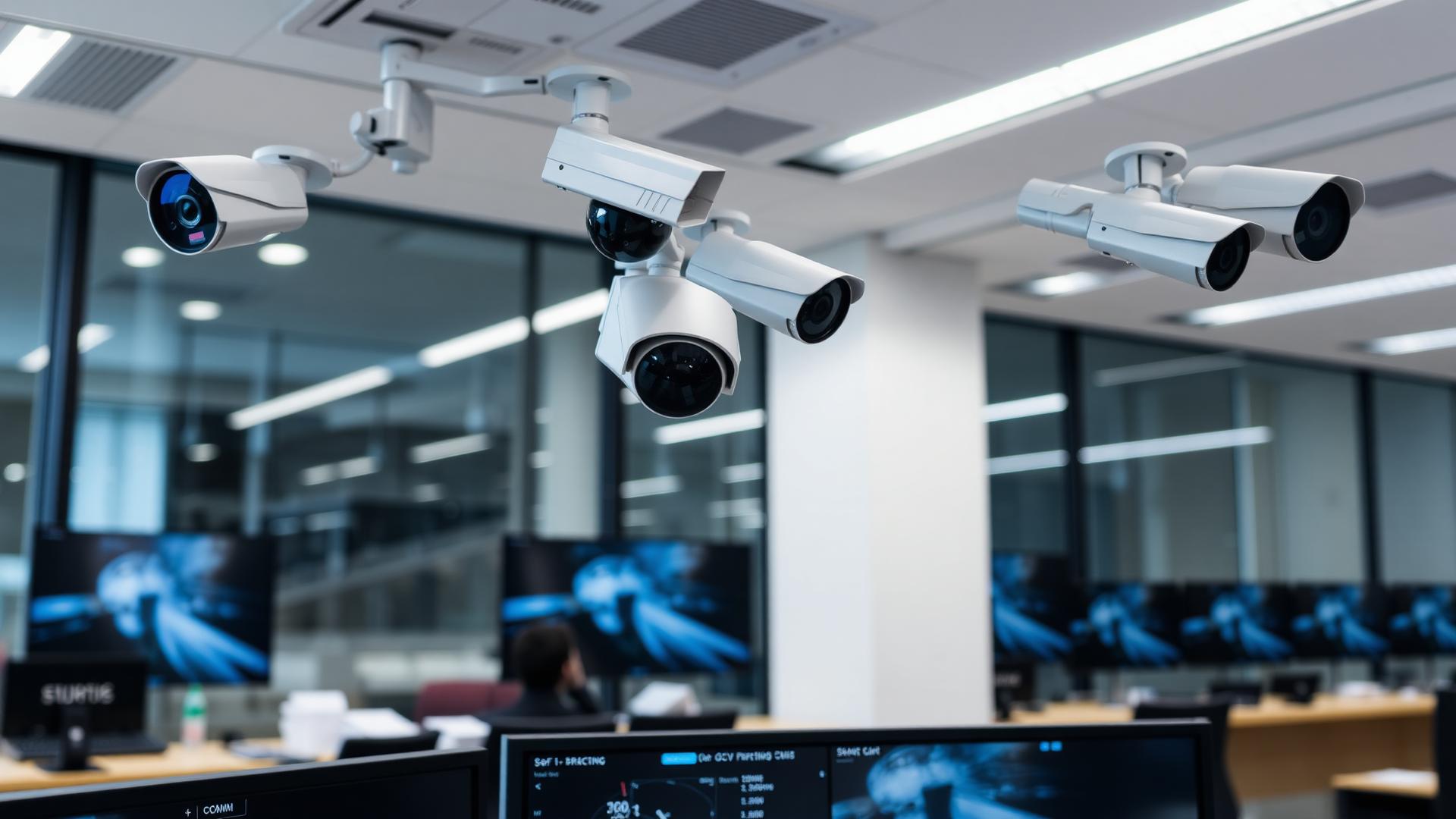
How CCTV Systems with Mobile App Access Enhance Real-Time Security
A security camera system with mobile app access lets business owners and managers view live CCTV surveillance feeds, receive instant push alerts, and play back recorded footage from anywhere in the world using a smartphone or tablet. Combined with professional commercial CCTV installation, mobile access delivers 24/7 peace of mind without being physically present on site.
This guide was prepared by the SureTel Network Engineering Team with over 15 years of experience deploying commercial surveillance systems across South Africa — from single-site retail stores to multi-branch corporate campuses with centralised monitoring.
Last Updated: March 2026
Why Mobile App Access Matters for Business Security
Traditional CCTV systems required someone to be physically present at a monitoring station to view live footage or review recordings. That model is no longer practical for modern business owners who manage multiple responsibilities, travel frequently, or operate across several locations.
A security camera system with mobile app access changes everything. Business owners can now open an app on their smartphone, tap a camera, and see exactly what's happening at their premises — whether they're sitting in a boardroom across town or on holiday in another country.
This shift from passive recording to active, real-time monitoring represents one of the most significant advances in CCTV surveillance technology. It transforms security cameras from a forensic tool (useful only after an incident) into a proactive deterrent and management tool.
How Mobile CCTV Access Works
Mobile CCTV access relies on IP-based camera systems connected to a Network Video Recorder (NVR) or cloud platform. Here's how the technology chain works:
- IP cameras capture high-definition video and transmit it over your local network (Ethernet or Wi-Fi)
- The NVR records and stores footage locally while making streams available over the network
- The NVR connects to the internet via your business fibre or business internet connection
- A secure cloud relay or P2P tunnel bridges the NVR to the manufacturer's mobile app
- The mobile app on your smartphone authenticates and displays live or recorded video
Unlike older systems that required complex port forwarding and static IP configuration, modern commercial surveillance platforms use encrypted P2P connections that work seamlessly behind firewalls and NAT routers.
Key Features of Mobile CCTV Apps
Not all CCTV mobile apps are created equal. Enterprise-grade security camera system with mobile app platforms offer features that go far beyond basic live viewing:
| Feature | What It Does | Business Benefit |
|---|---|---|
| Live View | Stream real-time video from any camera | Instant situational awareness from anywhere |
| Push Notifications | Receive alerts for motion, line-crossing, or intrusion detection | Immediate response to suspicious activity |
| Remote Playback | Search and review recorded footage by date/time | Investigate incidents without visiting the site |
| PTZ Control | Pan, tilt, and zoom cameras remotely | Follow subjects in real time from your phone |
| Two-Way Audio | Speak through camera-mounted speakers | Issue warnings or communicate with staff on-site |
| Multi-Site View | Monitor cameras across multiple locations in one app | Centralised oversight for multi-branch businesses |
| Snapshot & Clip Export | Save screenshots or video clips directly to your phone | Quickly share evidence with police or insurers |
| User Management | Create multiple user accounts with different permission levels | Grant view-only access to managers without full admin rights |
Real-Time Monitoring Benefits
The peace of mind that comes from real-time CCTV surveillance access is transformative for business owners. Here's what changes when you can see your premises at any moment:
Instant Incident Response
When a motion alert fires at 2 AM, you don't have to wait until morning to check footage. You open the app, see what triggered the alert, and decide immediately whether to call security, contact SAPS, or dismiss a false alarm. Response times drop from hours to seconds.
Staff Accountability
Remote viewing isn't just about security threats. Managers use mobile CCTV access to verify that opening and closing procedures are followed, that customer service standards are maintained, and that health and safety protocols are observed — all without micromanaging in person.
Reduced Shrinkage & Theft
When employees and visitors know that cameras are actively monitored (not just passively recording), deterrence increases dramatically. Studies show that actively monitored commercial surveillance systems reduce internal theft by up to 50%.
Insurance & Compliance
Many South African insurers offer premium discounts for businesses with professionally installed, remotely monitored CCTV systems. Mobile access makes it easy to provide footage for claims and demonstrate compliance with policy requirements.
Commercial Surveillance Use Cases
Mobile-accessible CCTV surveillance serves different purposes across industries:
- Retail: Monitor point-of-sale areas, stock rooms, and customer flow. Receive alerts when staff areas are accessed after hours
- Warehousing & Logistics: Track goods movement, verify loading bay activity, and monitor perimeter security across large sites
- Offices: Control access to server rooms, verify after-hours access, and monitor reception areas remotely
- Construction Sites: Temporary camera deployments with 4G connectivity provide mobile monitoring of tools, materials, and site safety
- Healthcare: Monitor pharmacy areas, patient waiting rooms, and parking facilities while maintaining POPIA compliance
- Hospitality: Oversee kitchen operations, bar areas, and guest parking from a single app interface
Security & Privacy Considerations
Remote access to security cameras introduces cybersecurity considerations that must be addressed during installation:
Encryption
All data transmitted between cameras, the NVR, and mobile devices must use end-to-end encryption (TLS/SSL). Enterprise-grade systems from manufacturers like Hikvision, Dahua, and Axis use AES-256 encryption — the same standard used by banks.
Authentication
Enable two-factor authentication (2FA) on all CCTV app accounts. Default passwords must be changed immediately during installation. Role-based access ensures that staff only see cameras relevant to their responsibilities.
Network Segmentation
CCTV cameras should be placed on a dedicated VLAN, separate from your business network. This prevents a compromised camera from becoming a gateway to your corporate systems. A professional commercial CCTV installation always includes proper network segmentation.
POPIA Compliance
South African businesses must comply with the Protection of Personal Information Act when operating CCTV systems. This includes displaying signage, limiting camera placement to appropriate areas, controlling access to footage, and defining retention periods. Mobile access adds another layer — ensure that footage viewed or downloaded via the app is handled in accordance with your POPIA policy.
Network & Bandwidth Requirements
The quality of your mobile CCTV experience depends entirely on the internet connection at your business premises:
| Cameras | Resolution | Recommended Upload Speed | Connection Type |
|---|---|---|---|
| 1–4 | 2 MP (1080p) | 5–10 Mbps | Business ADSL / Entry Fibre |
| 4–8 | 4 MP | 10–20 Mbps | Business Fibre |
| 8–16 | 4–8 MP | 20–50 Mbps | Dedicated Fibre / Microwave |
| 16+ | 4–8 MP | 50+ Mbps | Dedicated Fibre with QoS |
It's important to note that upload speed (not download) determines remote viewing quality. Many standard fibre packages have asymmetric speeds with limited upload bandwidth. For reliable commercial surveillance with mobile access, ensure your business internet connection provides adequate upload capacity.
Choosing the Right Security Camera System with Mobile App
When selecting a security camera system with mobile app capabilities, evaluate these criteria:
- App quality: The mobile app should be responsive, regularly updated, and available on both iOS and Android. Check app store ratings — poor apps indicate poor manufacturer support
- Camera compatibility: Ensure the app supports all camera models in your deployment, including PTZ, fisheye, and thermal cameras
- Cloud vs. local: Decide whether you want cloud-based storage (accessible from anywhere, subscription fees) or local NVR storage (one-time cost, requires on-site hardware)
- Bandwidth management: Look for sub-stream support, which allows mobile viewing at reduced resolution to conserve bandwidth without affecting recording quality
- Integration: The best systems integrate with access control, alarm panels, and building management systems — all controllable from the same app
- Scalability: Choose a platform that supports additional cameras, sites, and users as your business grows
For a detailed comparison of camera technologies, see our guide on IP cameras vs. analog CCTV.
Common Mistakes to Avoid
Businesses often make these mistakes when deploying mobile-accessible CCTV systems:
- Using consumer-grade cameras: Residential Wi-Fi cameras lack the durability, image quality, and cybersecurity features needed for commercial surveillance. They also rely on third-party cloud services that may be discontinued
- Ignoring upload bandwidth: A 100 Mbps fibre line with only 10 Mbps upload will struggle to support remote viewing of multiple HD cameras simultaneously
- Skipping network segmentation: Placing cameras on the same network as business computers creates security vulnerabilities
- Default passwords: Failing to change default credentials is the #1 cause of CCTV system hacking globally
- No UPS protection: Without battery backup on the NVR and network switch, a power outage disables both recording and remote access
- Over-reliance on Wi-Fi cameras: For business environments, hardwired (PoE) cameras are more reliable than Wi-Fi. Reserve wireless cameras for temporary or hard-to-cable locations only
How SureTel Delivers Mobile-Ready CCTV Solutions
SureTel provides end-to-end commercial CCTV installation services designed for reliable remote access from day one. Our approach includes:
- Professional site assessment to determine optimal camera placement, coverage angles, and network requirements
- Enterprise-grade IP cameras with H.265 compression, PoE power, and vandal-resistant housings
- Network design with dedicated VLANs, QoS policies, and adequate upload bandwidth for remote viewing
- Secure mobile configuration with encrypted connections, 2FA, and role-based user accounts
- Ongoing support including firmware updates, system health checks, and 24/7 technical assistance
Whether you're installing a new system or upgrading an existing one, SureTel ensures your CCTV surveillance is accessible, secure, and professionally managed. Explore our full range of CCTV solutions or request a free site assessment today.
Ready to monitor your business from anywhere? Get a free CCTV consultation and discover how mobile-accessible commercial surveillance can give you total peace of mind.