Introduction
Modern businesses increasingly rely on automation to improve efficiency and streamline operations. While many organisations focus on automating processes such as marketing, CRM management, and customer service workflows, communication systems can also benefit significantly from automation.
Modern Cloud PBX phone systems provide powerful automation capabilities that allow businesses to automate communication processes, reduce manual tasks, and improve customer interactions.
By integrating phone systems with business applications such as CRM platforms, helpdesk systems, and analytics tools, organisations can create automated communication workflows that improve efficiency and enhance the customer experience.
This guide explains how phone system workflow automation works and how businesses use it to optimise their communication processes.
What Is Phone System Workflow Automation?
Phone system workflow automation refers to the use of technology to automatically manage communication processes that would otherwise require manual intervention.
Instead of employees manually routing calls, updating records, or responding to customer interactions, automated systems can handle many of these tasks automatically.
Automation can be applied to several communication processes, including:
- Call routing based on rules, time, or caller identity
- Customer identification via CRM lookup
- Automatic CRM updates and call logging
- Post-call follow-up actions and notifications
- Reporting and analytics generation
By automating these processes, businesses can improve efficiency and reduce administrative workloads.
Manual vs Automated Communication Workflows
Understanding the difference between manual and automated workflows highlights the efficiency gains automation delivers.
| Workflow | Manual Process | Automated Process |
|---|---|---|
| Call Routing | Receptionist transfers calls manually | Auto attendant routes by department/skill |
| Customer Identification | Agent asks caller for account details | CRM screen pop shows caller info instantly |
| Call Logging | Agent types notes into CRM after call | System logs call time, duration, and agent automatically |
| Follow-Up Tasks | Agent manually creates tasks/reminders | System triggers tasks, emails, or tickets automatically |
| Lead Assignment | Manager reviews and assigns leads | Incoming calls auto-route to assigned rep |
| Missed Call Handling | Agent checks voicemail periodically | Instant notification + callback task created |
| Reporting | Manual spreadsheet compilation | Real-time dashboards and scheduled reports |
| After-Hours Calls | Calls go unanswered or to voicemail | Auto-routing to mobile, on-call team, or IVR |
How Cloud PBX Enables Automation
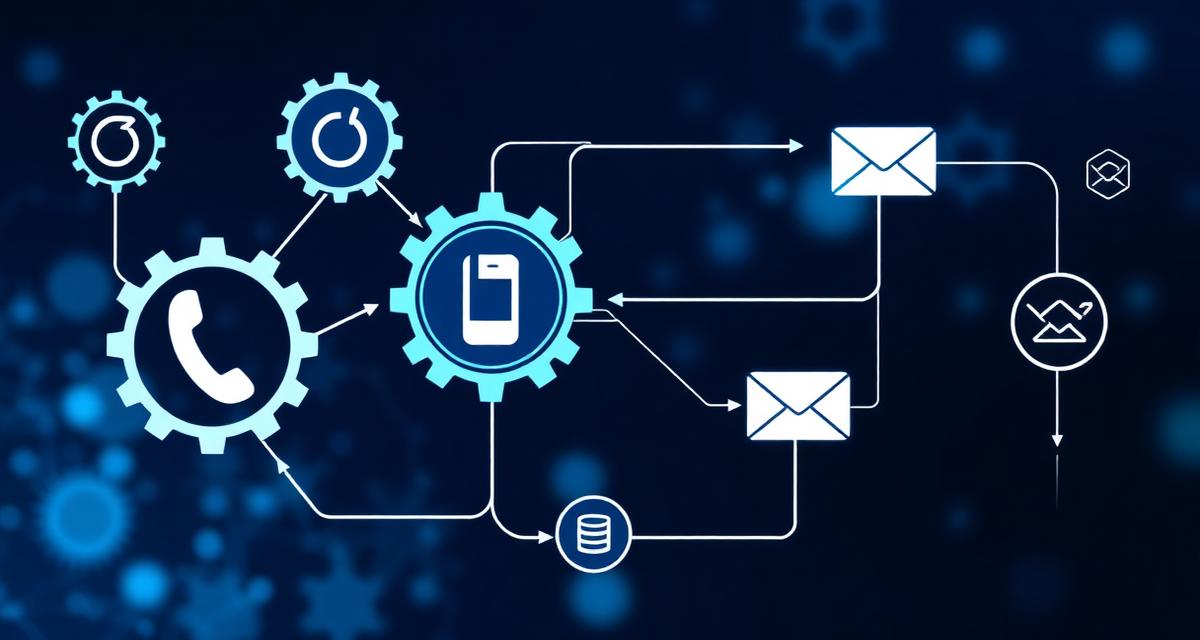
Cloud PBX platforms provide APIs and integrations that allow businesses to connect communication systems with other business tools.
These integrations enable automated workflows that streamline communication processes. For example, a cloud phone system can automatically interact with:
- CRM systems — Salesforce, HubSpot, Zoho, Microsoft Dynamics
- Helpdesk platforms — Zendesk, Freshdesk, ServiceNow
- Marketing automation tools — automated lead capture and nurturing
- Analytics dashboards — real-time call performance monitoring
These integrations create a unified communication environment where information flows automatically between systems.
The most impactful automation comes from connecting your phone system to your CRM. When calls automatically log, contacts auto-identify, and follow-ups trigger without manual input, teams can focus entirely on the conversation rather than administrative tasks.
Automated Call Routing
One of the most common forms of phone system automation is intelligent call routing. Instead of manually transferring calls between employees, the system can automatically route calls based on predefined rules.
Examples include:
- Routing calls to specific departments based on IVR menu selections
- Directing calls to available agents using skills-based routing
- Forwarding calls based on time of day or business hours
- Routing VIP customers to priority support teams based on CRM data
Automated routing improves response times and ensures customers reach the correct team quickly.
Learn more: Auto Attendants for Business Phone Systems.
CRM Integration and Automated Customer Identification
Cloud PBX systems can integrate with CRM platforms to automatically identify callers.
When a customer calls the business, the phone system matches the phone number to an existing CRM record. This allows employees to instantly see important information such as:
- Customer name and company
- Previous support interactions and ticket history
- Account details and subscription status
- Notes from previous conversations
- Assigned account manager or sales representative
This capability — often called a "screen pop" — improves customer service and allows employees to respond more effectively without asking callers to repeat information.
Automated Call Logging
Manual call logging can be time-consuming and prone to errors. Cloud PBX systems can automatically record call activity and store it in CRM systems or helpdesk platforms.
Information that may be logged automatically includes:
- Call time, date, and duration
- Caller phone number and identified contact
- Agent who handled the call
- Call direction (inbound or outbound)
- Call recording link (if recording is enabled)
Automated call logging improves data accuracy and reduces administrative tasks for employees.
Automated Follow-Ups
Automation can also trigger follow-up actions after phone conversations. Examples include:
- Sending follow-up emails to customers with meeting summaries
- Creating support tickets in helpdesk systems
- Scheduling sales follow-up tasks in the CRM
- Updating deal stages based on call outcomes
- Sending SMS confirmations to callers
These automated processes help businesses ensure important actions are not missed after customer interactions.
Start with the highest-impact automations first: automatic call logging and CRM screen pops. These two features alone can save each agent 15–30 minutes per day in administrative tasks while improving customer interaction quality.
Automation for Customer Support Teams
Customer support teams often handle large volumes of communication. Automation can help support teams manage enquiries more efficiently:
- Automatically creating support tickets for incoming calls
- Routing calls based on issue type or customer tier
- Sending automated notifications when tickets are updated
- Triggering satisfaction surveys after call resolution
- Escalating unresolved issues based on time thresholds
These capabilities help support teams resolve customer issues faster and maintain consistent service standards.
Automation for Sales Teams
Sales teams can also benefit significantly from communication automation:
- Incoming leads can be routed to the correct sales representative automatically
- Call outcomes can automatically update CRM deal records
- Follow-up tasks can be created automatically after prospect calls
- Missed calls from prospects trigger instant notifications
- Call analytics identify the most effective outreach patterns
This ensures that potential sales opportunities are managed effectively and no leads fall through the cracks.
AI and Intelligent Communication Automation
Modern communication platforms are increasingly incorporating artificial intelligence technologies. AI can analyse call data and help businesses automate more complex communication processes.
Examples include:
- Intelligent call routing — routing based on caller sentiment or behaviour patterns
- Automated conversation analysis — transcribing and summarising calls
- Predictive analytics — forecasting call volumes and staffing needs
- AI-powered assistants — handling routine enquiries before connecting to agents
These technologies are helping businesses build smarter communication systems that continuously improve.
Learn more: Cloud PBX Analytics & Reporting.
Improving Efficiency Through Communication Automation
By automating communication workflows, businesses can reduce manual tasks and improve operational efficiency. Automation helps organisations:
- Reduce administrative workloads by eliminating manual data entry
- Improve response times with instant call routing and notifications
- Enhance customer experiences through personalised interactions
- Increase operational efficiency across sales and support teams
- Scale communication processes without adding headcount
These improvements allow businesses to focus more on delivering value to customers.
Modern Communication Solutions for Businesses
Modern organisations require communication systems that integrate seamlessly with business applications and support automated workflows.
SureTel provides Cloud PBX and VoIP communication solutions designed to support intelligent communication automation, helping businesses improve efficiency while delivering exceptional customer experiences.
Our solutions help organisations:
- Automate communication workflows with CRM and helpdesk integration
- Integrate phone systems with business platforms seamlessly
- Improve operational efficiency through intelligent automation
- Optimise customer communication processes end to end
Speak to a SureTel Specialist
If your organisation is looking to modernise its communication systems and implement automated workflows, SureTel can help design the right communication solution.
Speak to a Specialist Today