This comparison is reviewed by the SureTel Network Engineering Team, with 15+ years deploying fibre, wireless, and hybrid connectivity solutions for South African businesses.
Last Updated: March 2026
Understanding the Two Technologies
What Is Fibre Internet?
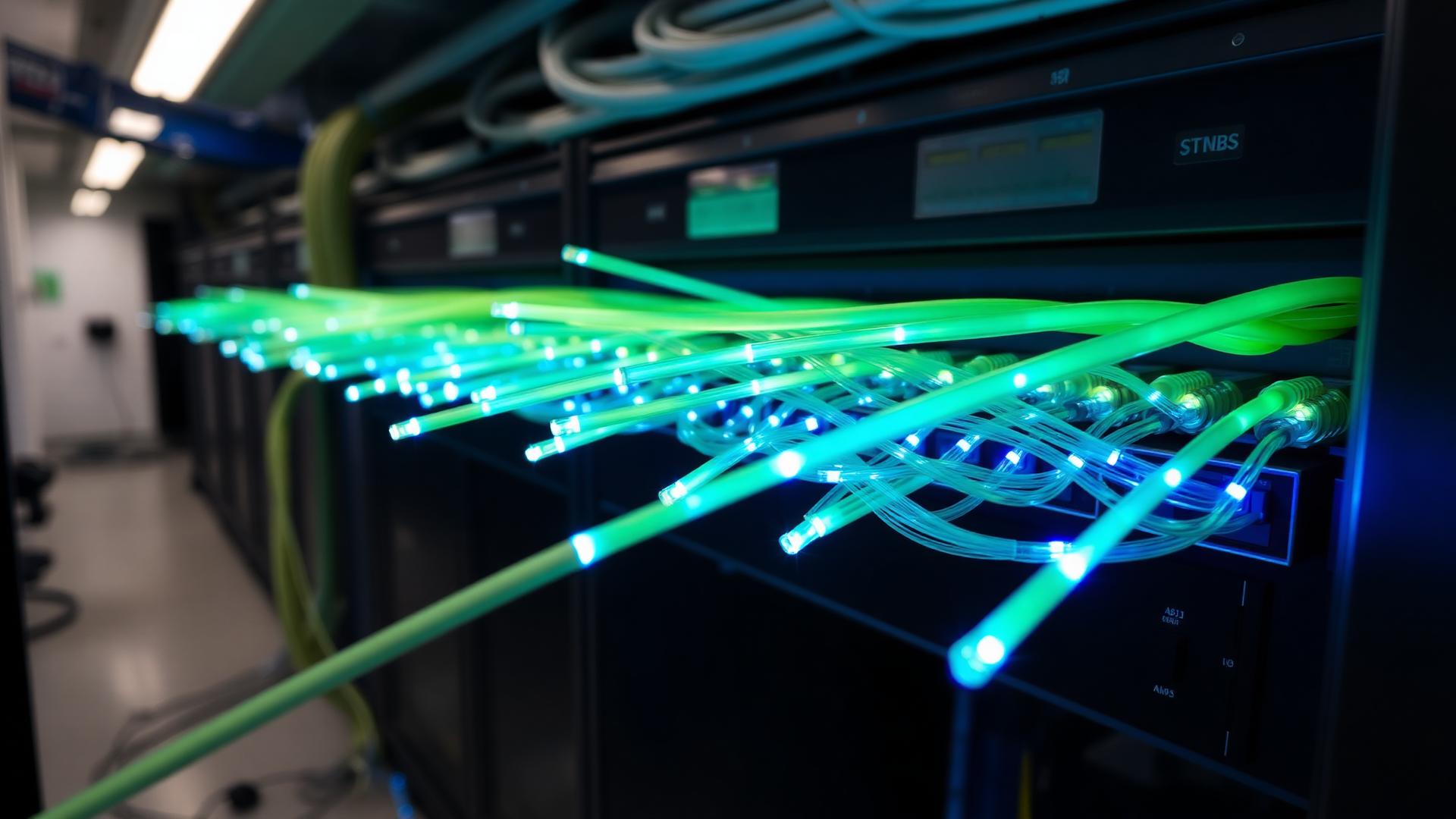
Fibre internet delivers data through underground or overhead cables made of glass or plastic fibres using light signals. It is currently the fastest and most reliable connectivity technology available for businesses.
Fibre offers:
- Ultra-fast speeds (up to 1 Gbps and beyond for dedicated fibre)
- Very low latency (under 3ms)
- Exceptional stability — not affected by interference or weather
- Symmetrical upload and download options
What Is Wireless Internet?
Wireless internet for business delivers connectivity via radio signals transmitted from base stations or towers to customer premises equipment (CPE) installed at the business location.
Wireless offers:
- Quick deployment (often within days)
- Wide coverage — reaches areas without fibre infrastructure
- Flexibility — can be relocated or upgraded easily
- Licensed options for stable, interference-free performance
Fibre vs Wireless: Key Differences
This comprehensive comparison covers every factor businesses should evaluate when choosing between fibre and wireless internet.
| Feature | Fibre Internet | Wireless Internet |
|---|---|---|
| Speed | Very High (20 Mbps – 10 Gbps) | High (10 – 200 Mbps) |
| Latency | Very Low (<3ms) | Medium (10–30ms) |
| Reliability | Excellent (99.99%) | Good (99–99.5%) |
| Deployment Time | 4–12 weeks | 3–10 days |
| Coverage | Limited to infrastructure areas | Wide — reaches most locations |
| Bandwidth Type | Dedicated or shared options | Typically shared (licensed = more stable) |
| Weather Impact | None | Minimal (heavy rain can affect higher frequencies) |
| Static IP | Available | Available |
| SLA Available | Yes — comprehensive | Varies by provider |
| Best For | Primary connectivity, VoIP, cloud-heavy environments | Fibre alternative, rapid deployment, backup |
Performance Comparison
Speed
Fibre delivers higher and more consistent speeds than wireless. Business fibre packages in South Africa range from 20 Mbps to 1 Gbps (shared) or up to 10 Gbps for dedicated enterprise fibre. Wireless speeds typically range from 10 to 200 Mbps depending on the technology, distance from the tower, and whether the spectrum is licensed or unlicensed.
For businesses that need to know exactly how much speed they require, read our business internet speed guide.
Latency
Fibre provides significantly lower latency — typically under 3ms compared to 10–30ms for wireless. This difference is critical for:
- VoIP phone systems — lower latency means clearer calls with no echo or delay
- Cloud PBX platforms — real-time call management and routing
- Cloud applications — faster response times for CRM, ERP, and collaboration tools
- Video conferencing — smoother video with less buffering
That said, wireless latency of 10–30ms is perfectly acceptable for most standard business applications. It only becomes a concern for latency-sensitive workloads like high-volume VoIP or real-time trading systems.
Reliability
Fibre is inherently more stable because the signal travels through a physical cable, unaffected by radio interference, weather, or competing signals. Well-engineered fibre connections achieve 99.99% uptime.
Wireless reliability depends on several factors: whether the spectrum is licensed or unlicensed, the quality of the line of sight to the tower, environmental interference, and the provider's network engineering. Licensed wireless can achieve 99–99.5% uptime, while unlicensed wireless may be lower in congested areas.
For a deeper analysis, read our guide on the most reliable internet for business.
Installation & Deployment
| Factor | Fibre | Wireless |
|---|---|---|
| Typical Lead Time | 4–12 weeks (longer if civil works needed) | 3–10 days |
| Infrastructure Required | Physical cable to premises (trenching or overhead) | Antenna/CPE on rooftop + line of sight to tower |
| Site Survey | Required — fibre route planning | Required — signal and line of sight assessment |
| Disruption | Moderate — trenching can affect property | Minimal — rooftop antenna installation |
| Relocation | Difficult — new installation required | Easier — CPE can often be repointed |
Key takeaway: If your business needs connectivity urgently, wireless can be operational in days while fibre may take months. Many businesses deploy wireless first, then transition to fibre once it becomes available — or keep wireless as a backup.
Cost Comparison
| Cost Factor | Fibre | Wireless |
|---|---|---|
| Installation Fee | R0 – R5,000+ (varies by provider and distance) | R500 – R2,000 (CPE installation) |
| Monthly Cost (50 Mbps) | R500 – R1,500 | R500 – R1,200 |
| Monthly Cost (100 Mbps) | R800 – R2,500 | R800 – R2,000 |
| Dedicated Bandwidth | R3,000 – R15,000+ | Licensed microwave: R3,000 – R15,000+ |
| Contract Length | 12–36 months typical | 12–24 months typical |
| Scalability Cost | Low — upgrade within existing infrastructure | Medium — may require equipment upgrade |
Key takeaway: Monthly costs are often comparable between fibre and wireless at similar speeds. The main cost difference is in installation (fibre is typically higher) and dedicated bandwidth options.
When Fibre Is the Best Option
Choose fibre internet if:
- Fibre infrastructure is available at your business address
- Your business depends on maximum uptime and reliability
- You require high bandwidth (100 Mbps or more)
- You run VoIP phone systems or cloud PBX that need very low latency
- You need symmetrical upload and download speeds
- You operate a call centre or customer-facing operation where connectivity failures are unacceptable
- You plan to scale bandwidth significantly over time
When Wireless Is the Best Option
Choose wireless internet if:
- Fibre is not available at your location
- Fibre installation lead times are too long for your business needs
- You need connectivity operational within days rather than weeks
- You operate in a remote or industrial area without fibre infrastructure
- You need a temporary connectivity solution (construction sites, events, pop-up offices)
- You want a diverse-path backup connection alongside fibre
- Budget constraints require lower installation costs
The Best Strategy: Fibre + Wireless
For most South African businesses, the optimal connectivity strategy is not choosing one technology over the other — it is combining both for maximum reliability and performance.
Recommended Hybrid Configuration
| Role | Technology | Purpose |
|---|---|---|
| Primary Connection | Fibre | High-speed, low-latency connectivity for all business operations |
| Backup Connection | Wireless or LTE | Automatic failover when fibre is unavailable |
| Network Management | SD-WAN or dual-WAN router | Intelligent traffic routing and automatic failover |
This configuration ensures:
- Zero downtime — if fibre fails, wireless takes over automatically
- Path diversity — fibre and wireless use completely different infrastructure, so a single failure point cannot take both offline
- Business continuity — VoIP calls, cloud applications, and transactions continue uninterrupted
Learn more about redundancy strategies in our backup internet solutions guide.
Real-World Business Scenarios
| Business Type | Recommended Primary | Recommended Backup | Notes |
|---|---|---|---|
| SME Office (10–30 staff) | Fibre 50–200 Mbps | LTE failover | Cost-effective with adequate redundancy |
| Call Centre | Dedicated fibre with SLA | Wireless or secondary fibre | Low latency and high uptime essential |
| Construction Site | Wireless | LTE | Temporary — no fibre available |
| Multi-Site Business | Fibre per site | Wireless or microwave inter-site | SD-WAN for unified management |
| Industrial / Factory | Wireless or microwave | LTE | Fibre often unavailable in industrial parks |
| Remote Office | Wireless | LTE / 5G | Fibre may not reach the area |
Common Mistakes Businesses Make
1. Waiting Too Long for Fibre
Some businesses wait months for fibre installation while operating on unreliable connections. Deploy wireless immediately, then add fibre when it becomes available. The wireless connection becomes your backup.
2. No Backup Connection
Running any business on a single internet connection — whether fibre or wireless — creates a critical single point of failure. The cost of a backup connection is negligible compared to the cost of even one day of downtime.
3. Choosing Based on Price Alone
The cheapest connection often has high contention ratios, no SLA, and slow support. A reliable 50 Mbps connection outperforms an unreliable 200 Mbps connection for business use. Read our guide on choosing the right internet provider for evaluation criteria beyond price.
4. Ignoring Licensed Wireless Options
Not all wireless is equal. Licensed wireless (including microwave links) provides dedicated, interference-free bandwidth comparable to fibre. Businesses dismissing "wireless" without considering licensed options may miss excellent connectivity solutions.
Fibre vs Wireless vs LTE
For a complete picture, here is how all three major connectivity technologies compare:
| Feature | Fibre | Wireless | LTE / 5G |
|---|---|---|---|
| Primary Use | Main connection | Alternative / backup | Backup / mobility |
| Speed | Very High | High | Medium–High |
| Reliability | Excellent | Good | Variable |
| Deployment | Slow (weeks–months) | Fast (days) | Instant (hours) |
| Data Limits | Uncapped typical | Uncapped typical | Capped or expensive uncapped |
| Ideal Role | Primary | Primary or backup | Failover |
For more details on LTE and 5G, read our LTE & 5G internet for business guide.
How to Choose the Right Solution
Use this decision framework to determine the best connectivity for your business:
- Check fibre availability — use a coverage assessment to see what is available at your address
- Assess your requirements — number of users, applications, and bandwidth needs
- Evaluate uptime criticality — how much does downtime cost your business?
- Plan for redundancy — always budget for a backup connection
- Consider deployment timeline — do you need connectivity now or can you wait for fibre?
- Get expert advice — a connectivity specialist can recommend the optimal combination for your specific situation
Get the Right Connectivity for Your Business
SureTel helps businesses design the perfect connectivity solution — whether that is fibre, wireless, or a hybrid combination of both.
Our services include:
- Business Fibre Internet — from South Africa's leading fibre network operators
- Wireless Connectivity — licensed and unlicensed solutions for any location
- Backup Internet Solutions — automatic failover for zero downtime
- Fully Managed Networks — proactive monitoring, support, and optimisation
Speak to a SureTel specialist to build a reliable, high-performance network →
Further Reading
- The Ultimate Guide to Business Connectivity in South Africa
- Fibre Internet for Business: Complete Guide
- Wireless Internet for Business: Complete Guide
- LTE & 5G Internet for Business
- Microwave Internet for Business
- What Internet Speed Does a Business Need
- Most Reliable Internet for Business
- Backup Internet Solutions
- How to Choose the Best Internet Provider