This master guide is reviewed and maintained by the SureTel Network Engineering Team, with over 15 years of combined experience deploying fibre, wireless, microwave, and LTE connectivity solutions for South African businesses across every major industry vertical.
Last Updated: March 2026
What Is Business Connectivity?
Business connectivity refers to the internet solutions, network infrastructure, and communication technologies that enable organisations to operate efficiently in a connected world. It is the foundation upon which every modern business system depends — from email and cloud software to VoIP phone systems, video conferencing, CRM platforms, and remote work tools.
Unlike residential internet, business internet solutions are specifically engineered for:
- Reliability — guaranteed uptime with Service Level Agreements
- Performance — consistent speeds under load, low latency for voice and video
- Scalability — ability to grow bandwidth as the organisation expands
- Support — priority technical assistance with defined response times
- Security — static IP addresses, VPN compatibility, and network monitoring
For South African businesses, connectivity is particularly critical because load shedding, infrastructure limitations, and geographic coverage gaps create unique challenges that require carefully planned solutions.
Types of Business Internet Solutions
South African businesses have access to four primary connectivity technologies. Each has distinct characteristics that make it suitable for different environments and requirements.
Fibre Internet
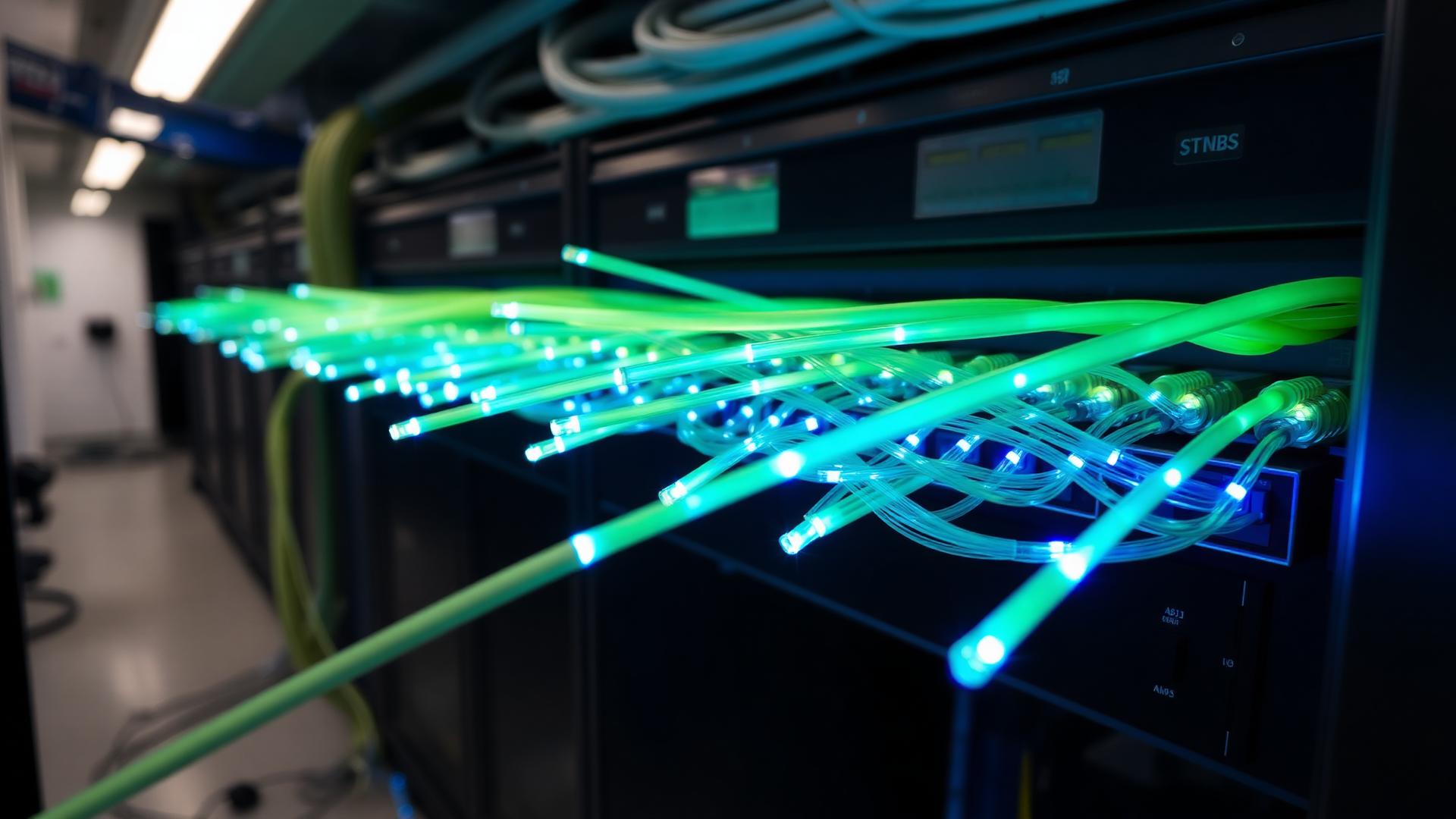
Fibre optic internet delivers data through glass or plastic fibres using light signals. It provides the fastest speeds, lowest latency, and highest reliability of any connectivity technology available today.
Best for: offices, call centres, cloud-based businesses, organisations requiring symmetrical upload and download speeds.
Typical speeds: 20 Mbps to 1 Gbps (and beyond for enterprise dedicated fibre).
Limitations: Requires physical infrastructure — not available at every address. Installation can take 4–12 weeks depending on civil works.
Wireless Internet
Wireless internet for business delivers connectivity using radio signals transmitted from base stations to customer premises equipment (CPE). It includes both licensed and unlicensed wireless solutions.
Best for: locations without fibre, rapid deployments, businesses needing quick connectivity.
Typical speeds: 10 Mbps to 200 Mbps depending on technology and distance.
Limitations: Performance can vary with unlicensed spectrum. Line of sight to the tower improves reliability.
LTE & 5G Internet
LTE and 5G connectivity uses mobile network infrastructure to deliver internet through SIM-based routers. It provides flexibility, rapid activation, and wide coverage across South Africa.
Best for: backup/failover connectivity, temporary sites, mobile teams, remote locations.
Typical speeds: 20 Mbps to 300 Mbps (LTE), up to 1 Gbps (5G in optimal conditions).
Limitations: Shared bandwidth, variable performance during peak hours, higher data costs for heavy usage.
Microwave Connectivity
Microwave internet uses licensed high-frequency radio signals to create dedicated point-to-point links between two locations. It delivers enterprise-grade, interference-free connectivity.
Best for: multi-site businesses, factories, campuses, mission-critical networks, high-availability environments.
Typical speeds: 100 Mbps to 10 Gbps depending on frequency band and distance.
Limitations: Requires line of sight, professional installation, and ICASA spectrum licensing. Higher upfront costs.
Connectivity Comparison Table
This comprehensive comparison helps businesses evaluate the right technology based on their specific requirements.
| Feature | Fibre | Wireless | LTE / 5G | Microwave |
|---|---|---|---|---|
| Speed Range | 20 Mbps – 1 Gbps+ | 10 – 200 Mbps | 20 – 1000 Mbps | 100 Mbps – 10 Gbps |
| Latency | Very Low (<3ms) | Medium (10–30ms) | Medium (15–50ms) | Very Low (<5ms) |
| Reliability | Very High (99.99%) | Good (99–99.5%) | Variable | Very High (99.99%) |
| Bandwidth Type | Dedicated or Shared | Shared | Shared | Dedicated |
| Deployment Time | 4–12 weeks | 1–2 weeks | Same day | 2–4 weeks |
| Static IP Available | Yes | Yes | Via APN only | Yes |
| SLA Available | Yes | Varies | Limited | Yes |
| Best For | Primary connectivity | Fibre alternative | Backup / mobility | Enterprise / multi-site |
| Monthly Cost | R500 – R5,000+ | R500 – R3,000 | R300 – R2,000 | R3,000 – R15,000+ |
For a detailed side-by-side analysis, read our Fibre vs Wireless vs LTE comparison guide.
How to Choose the Right Connectivity Solution
Selecting the right business internet solution requires evaluating several critical factors:
1. Location & Availability
Fibre availability varies significantly across South Africa. Metro areas typically have multiple fibre providers, while rural and industrial areas may rely on wireless or microwave connectivity. Always start with a coverage assessment to understand what technologies are available at your address.
2. Number of Users & Devices
A business with 5 employees has very different bandwidth needs compared to a 200-seat call centre. Account for every device that will use the connection — computers, phones, printers, CCTV cameras, IoT devices, and guest WiFi.
3. Application Requirements
Different applications place different demands on your connection. VoIP phone systems require low latency and consistent bandwidth. Video conferencing needs high upload speeds. Cloud ERP and CRM platforms require stable, always-on connectivity.
4. Uptime Requirements
How critical is connectivity to your operations? If losing internet means losing revenue, you need enterprise-grade solutions with SLA guarantees and backup connectivity.
5. Budget
Balance cost against criticality. A R500/month shared connection may be sufficient for a small office, but a call centre processing thousands of calls daily needs dedicated bandwidth with guaranteed performance. Read our guide to choosing an internet provider for detailed evaluation criteria.
How Much Internet Speed Does a Business Need?
One of the most common questions businesses ask is how much bandwidth they actually need. The answer depends on the number of concurrent users and the applications they use.
| Activity | Bandwidth Per User | Priority Level |
|---|---|---|
| Email & web browsing | 1–2 Mbps | Low |
| Cloud applications (CRM, ERP) | 2–5 Mbps | Medium |
| VoIP calls (per concurrent call) | 100 Kbps (G.729) – 256 Kbps (G.711) | High |
| Video conferencing (HD) | 3–5 Mbps | High |
| Large file transfers | 10–50 Mbps | Medium |
| CCTV streaming (per camera) | 2–8 Mbps | Medium |
Rule of thumb: Allocate 5–10 Mbps per employee for general business use, with additional capacity for VoIP, video, and cloud applications. Always provision 20–30% headroom above calculated requirements.
For a detailed bandwidth calculator and recommendations by company size, read our business internet speed guide.
Why Reliability Matters More Than Speed
Many South African businesses focus exclusively on speed when selecting internet — but reliability is significantly more important for business operations.
A 100 Mbps connection that drops for 30 minutes per day is far less valuable than a 50 Mbps connection that maintains 99.99% uptime. The cost of downtime includes:
- Lost revenue — online sales, payment processing, and customer orders halt
- Missed calls — VoIP systems and cloud PBX platforms go offline
- Reduced productivity — employees cannot access cloud applications, email, or collaboration tools
- Customer dissatisfaction — clients experience delays, dropped calls, and service interruptions
- Reputation damage — repeated outages erode trust and professionalism
Read our guide on the most reliable internet connections for business for a detailed analysis of uptime by technology.
Business Internet vs Home Internet
Business internet is fundamentally different from residential connections — and the differences matter significantly for professional environments.
| Feature | Business Internet | Home Internet |
|---|---|---|
| Reliability | High — designed for consistent uptime | Moderate — best-effort delivery |
| Support | Priority — defined response times | Standard — queue-based support |
| SLA | Yes — uptime guarantees with penalties | No — no performance guarantees |
| Performance | Consistent — dedicated or prioritised traffic | Variable — contended bandwidth |
| Static IP | Available — essential for servers, VPNs, and remote access | Rarely available |
| Symmetrical Speeds | Often available — equal upload and download | Typically asymmetrical — slow uploads |
| Cost | Higher — reflects quality and guarantees | Lower — consumer pricing |
Recommendation: Businesses should never rely on residential internet for professional operations. The lack of SLAs, priority support, and performance guarantees creates unacceptable risk for any organisation that depends on connectivity.
What Is Internet Redundancy?
Internet redundancy means having more than one connectivity path so your business stays online even when the primary connection fails. For South African businesses dealing with load shedding, cable theft, and infrastructure challenges, redundancy is not optional — it is essential.
Common redundancy configurations include:
- Fibre + LTE failover — the most popular and cost-effective configuration
- Fibre + wireless backup — provides true path diversity using different infrastructure
- Fibre + microwave — enterprise-grade redundancy for mission-critical environments
- Dual fibre (different providers) — maximum reliability but highest cost
Modern SD-WAN technology can automate failover between connections in seconds, ensuring VoIP calls, transactions, and cloud applications continue without interruption.
Learn more in our backup internet solutions guide.
Dedicated vs Shared Internet
Understanding the difference between dedicated and shared bandwidth is critical for businesses evaluating connectivity options.
| Feature | Dedicated Internet | Shared Internet |
|---|---|---|
| Bandwidth | Guaranteed — exclusively yours | Best-effort — shared with other users |
| Performance | Consistent at all times | Varies with network congestion |
| Contention Ratio | 1:1 | Typically 5:1 to 20:1 |
| SLA | Comprehensive guarantees | Limited or none |
| Cost | Higher | Lower |
| Best For | Call centres, enterprises, VoIP-dependent businesses | Small offices, email and browsing |
Recommendation: Businesses running VoIP, cloud PBX, or customer-facing applications should strongly consider dedicated connectivity to ensure consistent performance.
What Is a Static IP Address?
A static IP address is a fixed internet address assigned to your business connection that does not change. This is essential for several business functions:
- Remote access — employees connecting to office systems via VPN
- Server hosting — web servers, email servers, and application servers
- Security — IP-based access control and whitelisting
- CCTV — remote camera monitoring via CCTV systems
- VoIP — SIP trunk registration and firewall configuration
Static IPs are available on fibre, wireless, and microwave connections. LTE and 5G connections can provide static IPs through private APN configurations.
Understanding Internet SLAs
A Service Level Agreement (SLA) is a contractual guarantee from your internet provider that defines minimum performance standards. Business-grade SLAs typically include:
- Uptime guarantee — typically 99.5% to 99.99%
- Fault response time — how quickly the provider begins investigating issues
- Fault resolution time — target timeframe for restoring service
- Performance metrics — guaranteed bandwidth, latency, and packet loss thresholds
- Compensation — credits or penalties when SLA targets are not met
Important: Not all internet connections come with SLAs. Residential and many basic business packages operate on a "best effort" basis with no performance guarantees. If your business depends on connectivity, insist on a documented SLA.
Common Business Connectivity Challenges
South African businesses face several unique connectivity challenges that require careful planning and the right technology choices.
Slow Internet Speeds
Congestion, oversubscription, and poor network infrastructure can reduce performance below usable levels. Understanding how much bandwidth your business needs is the first step to avoiding this problem.
Frequent Downtime
Cable damage, load shedding, and provider outages can disrupt operations for hours. Backup connectivity and automatic failover are the primary defences against downtime.
Poor Technical Support
Many providers offer call-centre-based support with long resolution times. Look for providers with dedicated technical teams and clear escalation paths.
Limited Coverage
Fibre is not available at every address. Industrial parks, rural areas, and newly developed business areas may require wireless or microwave solutions.
Load Shedding Impact
Power outages affect internet equipment, including ONTs (fibre modems) and routers. Businesses should implement UPS (uninterruptible power supply) systems and consider LTE failover to maintain connectivity during outages.
For solutions to these problems, read our guide on why business internet is slow and how to fix it.
Building a Reliable Connectivity Strategy
The most resilient businesses don't rely on a single connectivity technology. Instead, they implement a hybrid connectivity strategy that combines multiple technologies for maximum reliability and performance.
Recommended Connectivity Stack by Business Size
| Business Size | Primary Connection | Backup Connection | Additional |
|---|---|---|---|
| Small Office (1–10 users) | Fibre 50–100 Mbps | LTE failover | UPS for load shedding |
| Medium Business (10–50 users) | Fibre 100–500 Mbps | Wireless or LTE failover | SD-WAN, static IP |
| Large Enterprise (50+ users) | Dedicated fibre or microwave | Diverse-path backup (different tech) | SD-WAN, SLA, 24/7 monitoring |
| Call Centre | Dedicated fibre with SLA | Microwave or secondary fibre | QoS for VoIP, static IP, UPS |
| Multi-Site Business | Fibre at each site (where available) | Microwave inter-site links | SD-WAN, centralised management |
For a complete breakdown of the technology components businesses need, read our business connectivity technology stack guide.
Connectivity for Different Business Types
Small & Medium Enterprises (SMEs)
SMEs need cost-effective, reliable connectivity that supports cloud applications, email, VoIP, and basic collaboration tools. A fibre connection with LTE failover provides the best balance of cost and reliability for most small businesses.
Call Centres & Contact Centres
Call centres have the most demanding connectivity requirements of any business type. They need dedicated bandwidth, very low latency (under 20ms), high uptime (99.99%+), and quality-of-service (QoS) configuration to prioritise voice traffic. Learn more in our VoIP for call centres guide.
Multi-Site & Branch Businesses
Businesses operating across multiple locations need secure inter-site connectivity. Microwave links, MPLS networks, or SD-WAN overlay networks can connect offices, warehouses, and retail locations into a unified network.
Industrial & Manufacturing
Factories, warehouses, and processing plants often operate in locations with limited fibre availability. Wireless or microwave connectivity provides reliable access for ERP systems, CCTV surveillance, access control, and operational technology networks.
Professional Services
Law firms, accounting practices, and consulting businesses depend on cloud applications, document management, and client communication. Symmetrical fibre with reliable backup ensures these organisations can serve clients without interruption.
The Future of Business Connectivity
Business connectivity in South Africa continues to evolve rapidly. Key trends shaping the future include:
- 5G Expansion — as coverage expands, 5G will become a more viable primary and backup solution for businesses
- SD-WAN Adoption — software-defined networking simplifies multi-site management and enables intelligent traffic routing across multiple connections
- AI-Driven Network Monitoring — predictive analytics will identify and resolve network issues before they affect users
- Fibre Expansion — continued rollout of fibre infrastructure into industrial areas, townships, and rural business districts
- UCaaS Integration — connectivity and communication platforms (VoIP, video, messaging) converging into unified cloud solutions
- Zero Trust Networking — security-first connectivity architectures that verify every device and user
Businesses that invest in flexible, scalable connectivity infrastructure today will be best positioned to adopt these technologies as they mature.
SureTel Connectivity Solutions
SureTel provides comprehensive business connectivity solutions designed specifically for South African businesses. Rather than just selling internet — we design, implement, and manage complete connectivity strategies tailored to each organisation's unique requirements.
Our connectivity portfolio includes:
- Business Fibre Internet — from leading fibre network operators across South Africa
- Wireless Connectivity — licensed and unlicensed wireless solutions for any location
- LTE & 5G Solutions — backup, failover, and primary mobile connectivity
- Microwave Links — enterprise-grade dedicated point-to-point connectivity
- SD-WAN & Network Management — intelligent traffic routing and centralised management
- Fully Managed Connectivity — proactive monitoring, support, and optimisation
Whether you need to connect a single office or design a nationwide network, SureTel's engineering team will create a solution that keeps your business connected, productive, and competitive.
Speak to a SureTel connectivity specialist to design your business internet solution →
Further Reading
- Fibre Internet for Business: Complete Guide
- Wireless Internet for Business: Complete Guide
- LTE & 5G Internet for Businesses Explained
- Microwave Internet for Businesses Explained
- How Much Internet Speed Does a Business Need
- Fibre vs Wireless vs LTE Comparison
- Most Reliable Internet for Business
- Backup Internet Solutions for Businesses
- Why Your Business Internet Is Slow
- How to Choose the Best Internet Provider
- Business Connectivity Technology Stack